
Hamilton Beach offers diverse coffee makers‚ from 12-cup programmable models (46310) to versatile 5-in-1 brewers (49965F) and large-capacity urns (D50065/D50065c).
This guide provides essential instructions for setup‚ brewing‚ cleaning‚ and troubleshooting‚ ensuring optimal performance and enjoyment of your new appliance.
Remember to register your product online at hamiltonbeach.com for access to recipes‚ tips‚ and warranty information.
Understanding Your Model
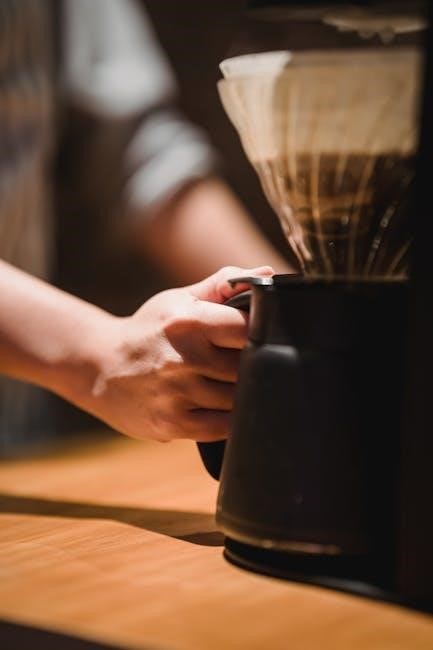
Hamilton Beach coffee makers come in a variety of designs‚ each tailored to different brewing needs. The Programmable Easy Access Coffee Maker (46310)‚ a classic 12-cup model‚ prioritizes convenience with programmable features. For those seeking versatility‚ the FlexBrew Advanced 5-in-1 Coffee Maker (49965F) offers multiple brewing options‚ including single-serve and full pot capabilities.
If you prefer a traditional drip experience with pod compatibility‚ the 2-Way Flex Brew Coffee Maker provides both choices. For large gatherings‚ the 60-Cup Coffee Urn (D50065/D50065c) is ideal‚ keeping substantial amounts of coffee hot for extended periods.
Before use‚ locate the model‚ type‚ and series numbers on your appliance – this information is crucial for accessing specific support and troubleshooting resources at hamiltonbeach.com or hamiltonbeach.ca. Understanding your model’s specific features will enhance your brewing experience and ensure proper operation.
Safety Precautions
Important safety measures are crucial when operating your Hamilton Beach coffee maker. Always unplug the appliance before cleaning to prevent electric shock. Be cautious of hot surfaces; the carafe and heating plate become extremely hot during and after brewing.
WARNING: Burn Hazard! If the filter basket overflows‚ immediately unplug the coffee maker. Never immerse the appliance in water or other liquids. Ensure the appliance is used on a stable‚ heat-resistant surface.
Keep the appliance and its cord away from children. Do not operate the coffee maker with a damaged cord or plug. Avoid using extension cords. Regularly inspect the appliance for any signs of damage.
Only use the appliance for its intended purpose – brewing coffee. Following these precautions will ensure safe and enjoyable coffee brewing;
Getting Started: Initial Setup
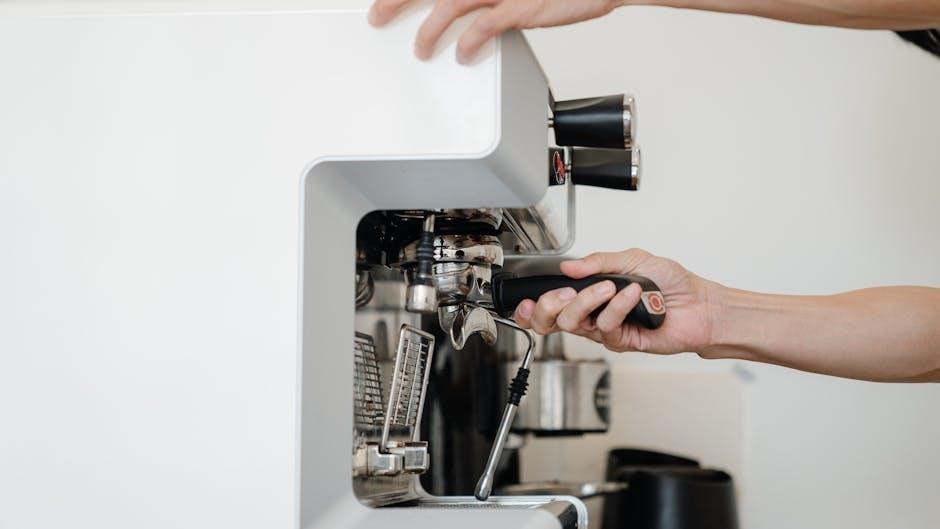
Before your first brew‚ wash all removable parts with warm‚ soapy water‚ rinse‚ and dry. Then‚ run a full brewing cycle with water only‚ discarding it afterward.
First-Time Use: Cleaning and Priming
Initial Cleaning: Before enjoying your first pot of coffee‚ a thorough cleaning process is crucial. Remove all packaging materials and wash the carafe‚ lid‚ filter basket‚ and any other detachable parts in hot‚ soapy water. Rinse these components meticulously to eliminate any residual soap. Ensure complete drying before proceeding.
Priming the System: To ensure optimal performance and remove any potential manufacturing residue‚ it’s essential to ‘prime’ your Hamilton Beach coffee maker. Fill the water reservoir to its maximum capacity with fresh‚ clean water. Do not add coffee grounds during this step. Place the empty filter basket into the designated slot and the carafe securely on the warming plate.
Running the Cycle: Initiate a full brewing cycle as if you were making coffee. Allow the entire cycle to complete‚ discarding the water afterward. This initial run helps to flush out the internal components and prepare the coffee maker for regular use. This priming process contributes to a cleaner‚ better-tasting first brew and extends the lifespan of your appliance.
Identifying Key Components
Water Reservoir: This is where you’ll add the water for brewing. It typically features level markings to indicate cup quantities. Ensure it’s clean and free of debris before each use.
Filter Basket: Designed to hold a paper filter or a reusable filter‚ this component keeps the coffee grounds contained during the brewing process. It’s often removable for easy cleaning.
Carafe: The glass or thermal container that collects the brewed coffee. Some models feature markings to indicate cup levels. Handle with care‚ especially when hot.
Warming Plate: Located beneath the carafe‚ this plate keeps the brewed coffee warm for a set period.
Control Panel: Houses the power button and any additional function buttons (e.g.‚ programmable settings‚ brew strength). Refer to your specific model’s instructions for details.
Brew Basket Assembly: This includes the filter basket and its housing‚ ensuring proper water distribution over the coffee grounds.
Brewing Coffee: A Step-by-Step Guide
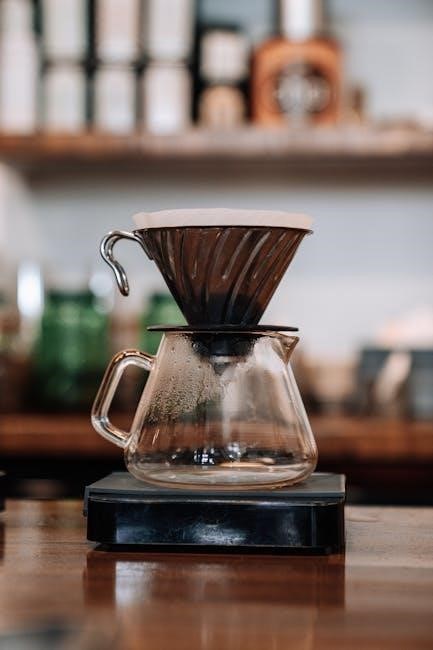
Follow these simple steps for a perfect brew! First‚ add water‚ then insert a filter‚ add coffee grounds‚ and finally‚ start the brewing cycle.
Adding Water
Before brewing‚ carefully fill the water reservoir with fresh‚ cold water. Refer to the markings on the carafe or the coffee maker itself to determine the appropriate water level for your desired number of cups.
Hamilton Beach coffee makers often feature clear water level indicators for easy measurement. Ensure you do not exceed the maximum fill line to prevent overflow during the brewing process.
For optimal flavor‚ use filtered water whenever possible. This helps to remove impurities that can affect the taste of your coffee.
Some models‚ like the FlexBrew‚ may have different water reservoir locations or filling mechanisms. Always consult your specific model’s diagram in the manual for precise instructions.
Proper water levels are crucial for achieving the desired coffee strength and preventing damage to the appliance. Double-check the water level before initiating the brewing cycle.
Inserting the Filter
Locate the filter basket within your Hamilton Beach coffee maker. This is typically a removable component designed to hold a paper filter or a reusable filter.
For paper filters‚ ensure you are using the correct size – usually a standard #4 cone filter. Gently unfold the filter and place it securely inside the filter basket‚ ensuring it sits flush against the sides.
If using a reusable filter‚ simply place it directly into the filter basket. Ensure it is clean and free of any coffee residue from previous brews.
Proper filter placement is essential to prevent coffee grounds from overflowing into the brewed coffee.
Some models may have a swing-out filter basket for easier access. Always ensure the basket is securely locked into place before starting the brewing cycle.
Adding Coffee Grounds
Determine your desired coffee strength. A general guideline is one to two tablespoons of ground coffee per six ounces of water‚ but adjust to your preference.
Use pre-ground coffee or grind whole beans just before brewing for the freshest flavor. A medium grind is typically recommended for drip coffee makers.
Carefully spoon the measured coffee grounds into the filter. Avoid overfilling the filter‚ as this can cause overflow during brewing.
Gently level the coffee grounds for even saturation and extraction.
For optimal flavor‚ use fresh‚ high-quality coffee beans. Storing beans in an airtight container away from light‚ heat‚ and moisture will help preserve their freshness.
Remember that the amount of coffee grounds directly impacts the strength and flavor of your brewed coffee.
Starting the Brewing Cycle
Ensure the carafe is securely placed on the warming plate before initiating the brewing process. This prevents spills and ensures the coffee drips directly into the carafe.
For standard models‚ press the power button to begin brewing. The indicator light will illuminate‚ signaling the start of the cycle.
Programmable models may require selecting the ‘Brew’ or ‘Start’ button after setting the desired brew time. Refer to your specific model’s instructions for details.
Be cautious‚ as the coffee maker will become hot during operation. Avoid touching hot surfaces.
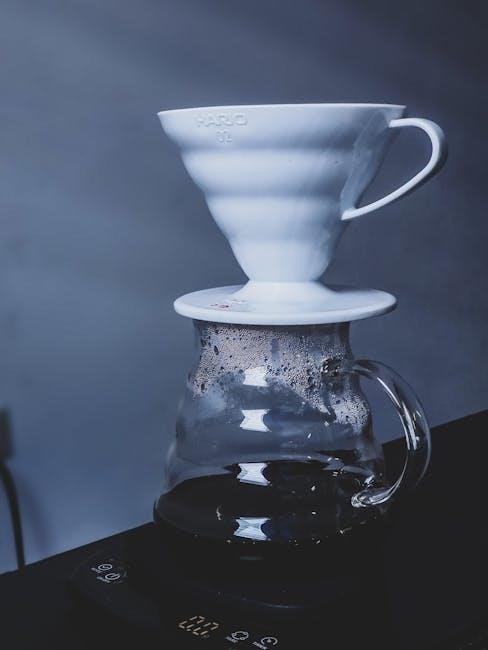
Allow the brewing cycle to complete fully before interrupting it. Prematurely stopping the cycle may result in incomplete extraction and weaker coffee.
Once brewing is finished‚ the coffee maker will typically switch to a warming mode to keep your coffee at an optimal temperature.
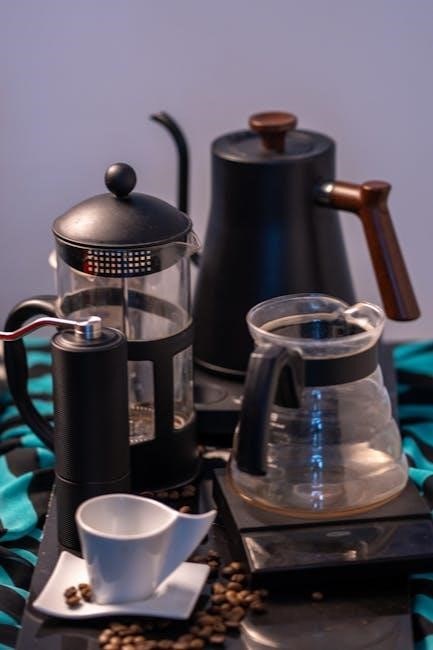
Specific Models & Features
Hamilton Beach offers diverse models like the Programmable Easy Access (46310)‚ FlexBrew Advanced (49965F)‚ 2-Way Flex Brew‚ and the 60-Cup Coffee Urn (D50065/D50065c).
Each model boasts unique features; consult your manual for detailed operation.
Programmable Easy Access Coffee Maker (46310)
The Hamilton Beach 46310‚ a 12-cup programmable coffee maker‚ offers convenient features for a customized brewing experience. Before first use‚ thoroughly wash all removable parts – the carafe‚ filter basket‚ and filter holder – with hot‚ soapy water‚ rinsing and drying them completely.
To program brewing‚ use the digital controls to set the desired brew time. The “Easy Access” design allows for simple operation and cleaning. Ensure the water reservoir is filled to the appropriate level and a paper filter is correctly inserted into the filter basket before adding coffee grounds.
This model features automatic shut-off for safety and peace of mind. The carafe and removable filter basket are dishwasher-safe (top rack only) for easy cleanup. Refer to the full user manual available at hamiltonbeach.com for detailed instructions‚ troubleshooting tips‚ and warranty information. Always unplug the coffee maker before cleaning.
Warning: Be cautious of burn hazards if the filter basket overflows.
FlexBrew Advanced 5-in-1 Coffee Maker (49965F)
The Hamilton Beach 49965F FlexBrew Advanced is a versatile coffee maker offering five brewing options. Before initial use‚ wash all removable parts with warm‚ soapy water‚ rinse thoroughly‚ and dry. Run a full brewing cycle with water only‚ discarding the water afterward to prime the system.
This model allows brewing a full pot‚ single-serve with a pod‚ or using ground coffee. It’s compatible with both standard coffee grounds and Keurig K-Cup pods. Ensure the correct water level is selected based on your chosen brewing method. The programmable features allow for delayed brewing‚ ensuring fresh coffee is ready when you are.
Cleaning is simplified with dishwasher-safe parts. Refer to the detailed instruction manual at hamiltonbeach.com for specific guidance on each brewing option‚ troubleshooting‚ and warranty details. Always unplug the unit before cleaning. Explore the manual to maximize the features of this versatile appliance.
2-Way Flex Brew Coffee Maker
The Hamilton Beach 2-Way Flex Brew coffee maker offers the convenience of brewing both a full pot and a single-serve cup simultaneously. Before first use‚ thoroughly wash all removable parts with hot‚ soapy water‚ rinse‚ and dry. A priming cycle with water‚ followed by discarding the water‚ is recommended.
This model accommodates standard ground coffee for a full pot and is also compatible with single-serve K-Cup pods. Ensure the appropriate filter is used for each brewing method – a standard filter for ground coffee and the included pod holder for K-Cups. The machine allows you to choose between regular or bold brewing strengths.
A scanned copy of the user manual is available on the Internet Archive‚ providing detailed instructions. Remember to unplug the coffee maker before cleaning. Dishwasher-safe parts simplify cleanup. Refer to the manual for troubleshooting and optimal performance guidance.
Important: Always check K-Cup compatibility details in the manual.
60-Cup Coffee Urn (D50065/D50065c)
The Hamilton Beach 60-Cup Coffee Urn (models D50065 and D50065c) is designed for large gatherings and events‚ offering a substantial brewing capacity. Before initial use‚ it’s crucial to read the complete operation manual available for download on ManualsLib. This ensures safe and efficient operation.
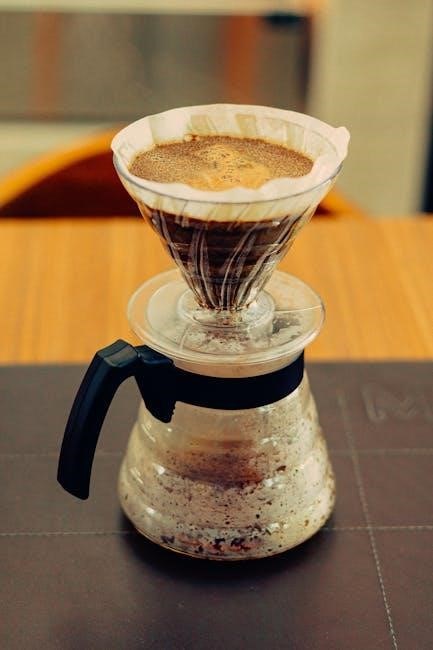
The urn features a non-stick warming plate to keep coffee at the ideal temperature for extended periods. The manual details the proper water-to-coffee ratio for optimal flavor. It also outlines the cleaning process‚ which is essential for maintaining performance and preventing mineral buildup.
The operation manual provides clear instructions on brewing‚ including filling the water reservoir and adding coffee grounds. It also covers safety precautions to avoid burns and electrical hazards. Regularly consult the manual for troubleshooting common issues and maximizing the lifespan of your urn.
Care and Maintenance
Regular cleaning extends your Hamilton Beach coffee maker’s life. The carafe and filter basket are top-rack dishwasher safe; descale periodically for optimal brewing.
Consult the manual for detailed instructions and troubleshooting tips.
Cleaning the Carafe and Filter Basket
Maintaining a clean carafe and filter basket is crucial for the best-tasting coffee and the longevity of your Hamilton Beach coffee maker. After each use‚ promptly discard used coffee grounds and rinse both components with warm‚ soapy water.
For a more thorough cleaning‚ both the carafe and removable filter basket are top-rack dishwasher safe. This offers a convenient and effective way to remove coffee oils and residue that can build up over time. However‚ avoid using abrasive cleaners or scouring pads‚ as these can damage the surfaces.
If handwashing‚ ensure all soap residue is thoroughly rinsed away before reassembling. Periodically‚ a deeper clean with a solution of baking soda and water can help eliminate stubborn stains and odors. Remember to always unplug the coffee maker before cleaning any of its parts. Consistent cleaning prevents buildup and ensures consistently delicious coffee!
Refer to your specific model’s manual for any unique cleaning instructions.
Descaling Your Coffee Maker
Descaling is essential to remove mineral buildup from your Hamilton Beach coffee maker‚ ensuring optimal performance and extending its lifespan. Over time‚ minerals from water can accumulate‚ affecting brewing time and coffee flavor.
To descale‚ fill the water reservoir with a mixture of equal parts white vinegar and water. Run a full brewing cycle without coffee grounds. After the cycle completes‚ discard the vinegar solution and run two to three cycles with fresh water to thoroughly rinse the system.
The frequency of descaling depends on your water hardness and usage. Generally‚ descaling every 3-6 months is recommended. Signs that descaling is needed include slower brewing‚ weaker coffee‚ or unusual noises during operation.
Regular descaling maintains your coffee maker’s efficiency and guarantees consistently flavorful coffee. Consult your model’s manual for specific descaling instructions.
Troubleshooting Common Issues
Coffee maker not brewing? First‚ ensure it’s plugged in and the power outlet is working. Check if the water reservoir is properly filled and the carafe is correctly positioned. If the filter basket overflows‚ immediately unplug the unit.
Weak coffee? Use the correct coffee-to-water ratio. Ensure you’re using fresh coffee grounds. Mineral buildup can also cause weak coffee – descale your machine regularly.
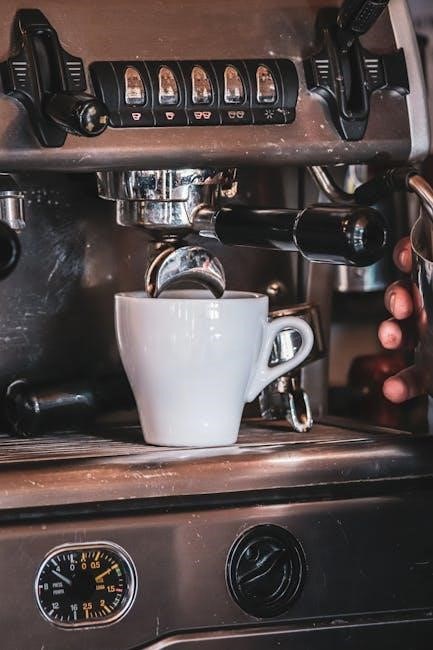
Coffee maker leaking? Verify the carafe is seated correctly. Inspect the water reservoir for cracks or damage. If issues persist‚ contact Hamilton Beach customer service.
For faster assistance‚ locate your model‚ type‚ and series numbers before contacting support. Refer to the user manual for detailed troubleshooting steps specific to your model.

Warranty Information & Support
Hamilton Beach offers warranties on its coffee makers. Register your product at hamiltonbeach.com for efficient support and access to warranty details.
Contact Hamilton Beach customer service via their website (hamiltonbeach.com) or by phone for assistance.
Registering Your Product
Registering your Hamilton Beach coffee maker online is highly recommended! Visiting www.hamiltonbeach.com allows you to quickly and easily register your new appliance. This simple process unlocks several valuable benefits designed to enhance your ownership experience.
Firstly‚ registration confirms your purchase date‚ which is crucial for warranty coverage. Should you ever need to utilize your warranty‚ having a registered product streamlines the process significantly. Secondly‚ registering grants you access to exclusive content‚ including delicious coffee recipes‚ helpful brewing tips‚ and valuable product updates.
To register‚ you’ll typically need the model number‚ type‚ and series numbers‚ which can be found on your appliance. Hamilton Beach also encourages online registration to build a community of coffee lovers and gather feedback for continuous product improvement. Don’t delay – register today and maximize your Hamilton Beach experience!
Registration is free and takes only a few minutes.
Contacting Hamilton Beach Customer Service
Need assistance with your Hamilton Beach coffee maker? Their dedicated customer service team is ready to help! For the fastest service‚ it’s recommended to locate your appliance’s model‚ type‚ and series numbers before contacting them. This information ensures they can quickly address your specific concerns.
You can reach Hamilton Beach Customer Service through several convenient channels. Visit their website at www.hamiltonbeach.com for frequently asked questions‚ troubleshooting guides‚ and online support resources. Alternatively‚ you can contact them directly via phone.
For U.S. customers‚ support is available through the website. Canadian customers can find contact information at hamiltonbeach.ca. Hamilton Beach is committed to providing excellent support and ensuring your complete satisfaction with their products. Don’t hesitate to reach out if you require assistance!
Their team is knowledgeable and eager to assist you.